

How it works
How Atlas works.
Your personal internet identity is the foundation of ATLAS identity, and it is yours to manage independently of the internet you are using.
Atlas is an Identity Routing Fabric. It brings your identity, your personas and your internet pathways together, so you manage how your internet connections work from one account.
A VPN and Atlas, side by side.
Pick a city on each side. On the left, everything moves together. On the right, each part of your life goes where you send it, and the rest stays put.
A traditional VPN
One place for all of you. Change it, and your Business, Personal and Other personas all move at once.
One city, one shared address, and the company in the middle can see where you go.
ATLAS identity
Each persona has its own geographic endpoints. Change one, and only that one moves.
One person. One device. All at the same time, over one connection. Your personas never touch, and the network they leave from is one Layer9i owns and answers for.
Set your personas.
This is the real app's Lens screen, drawn here so you can try it before you install. Change a city on the phone and watch what websites see. Real screenshots from the app follow below.
ATLAS LENS
Lens
Choose where each part of your online life appears from. Tap any city to move that persona's sites somewhere else.
WHERE YOU APPEAR
How websites see me
This is what any site or shop can work out about where you are, just from your connection.
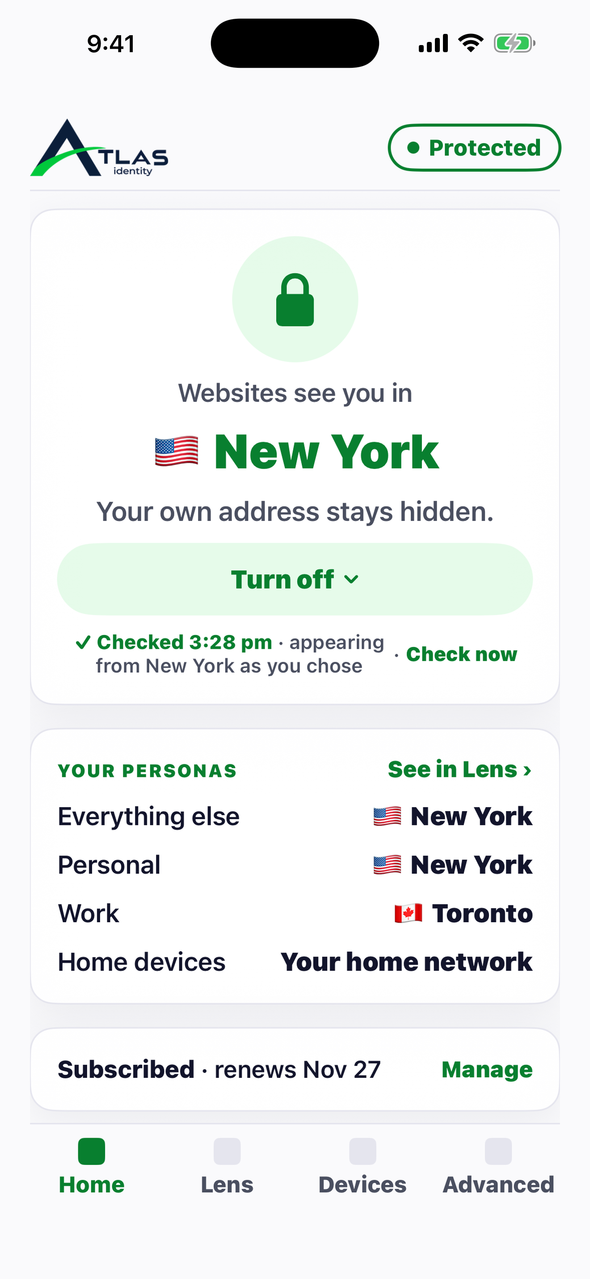
Home: Protected, and the city websites see. 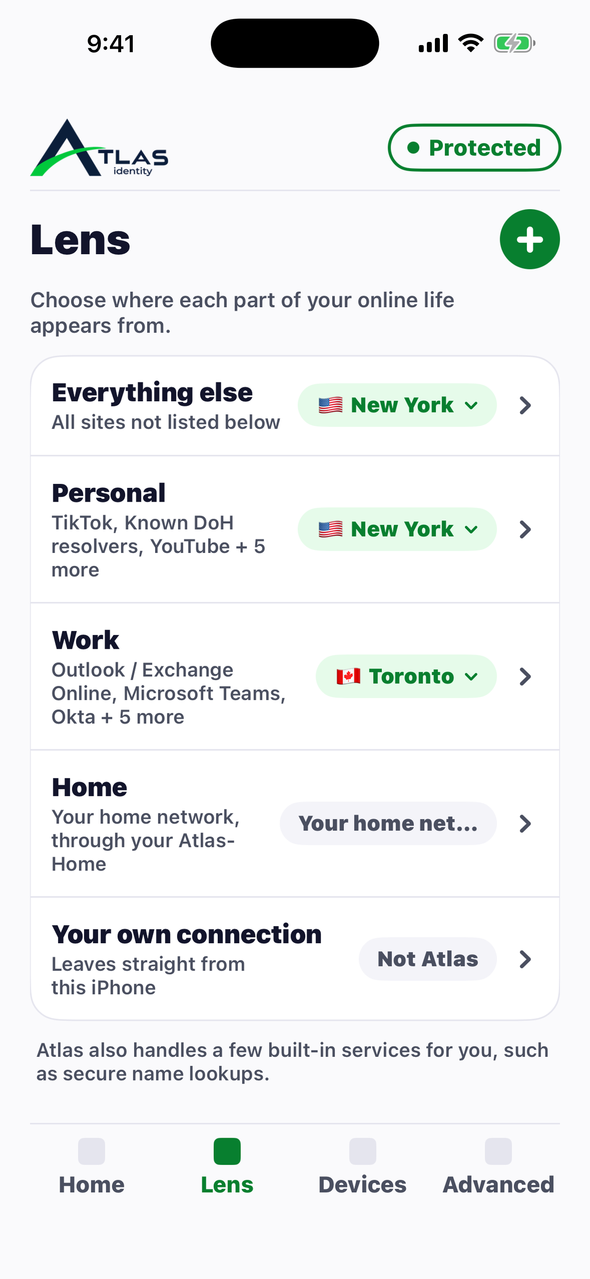
Lens: a city for each persona. 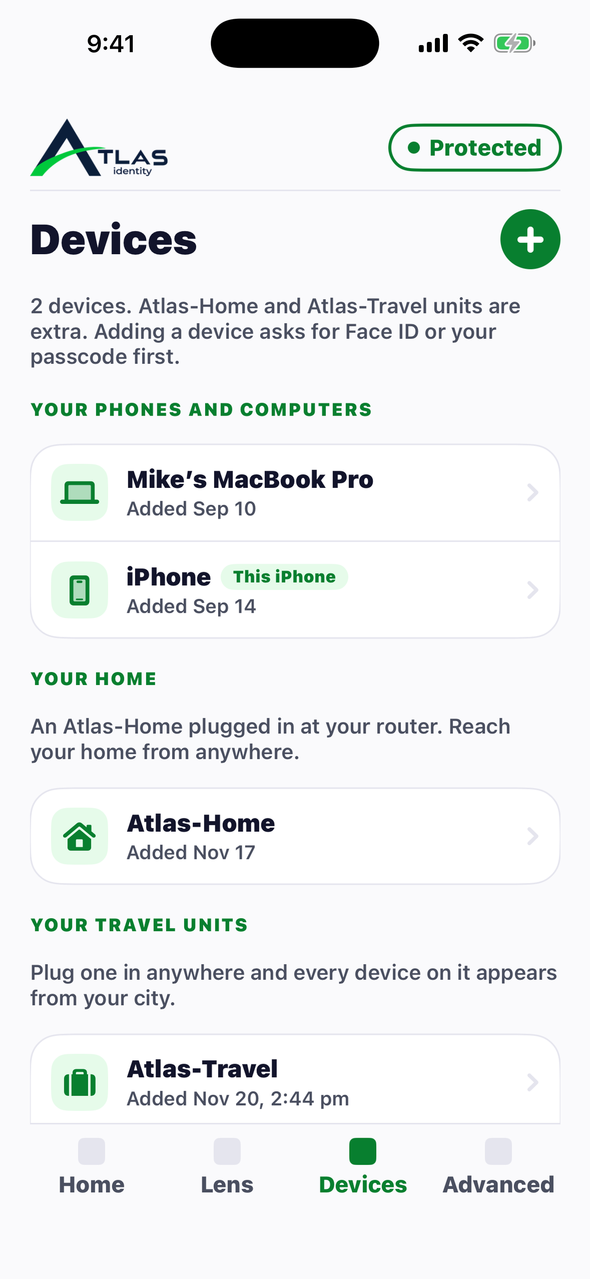
Devices: one account, every device you own. 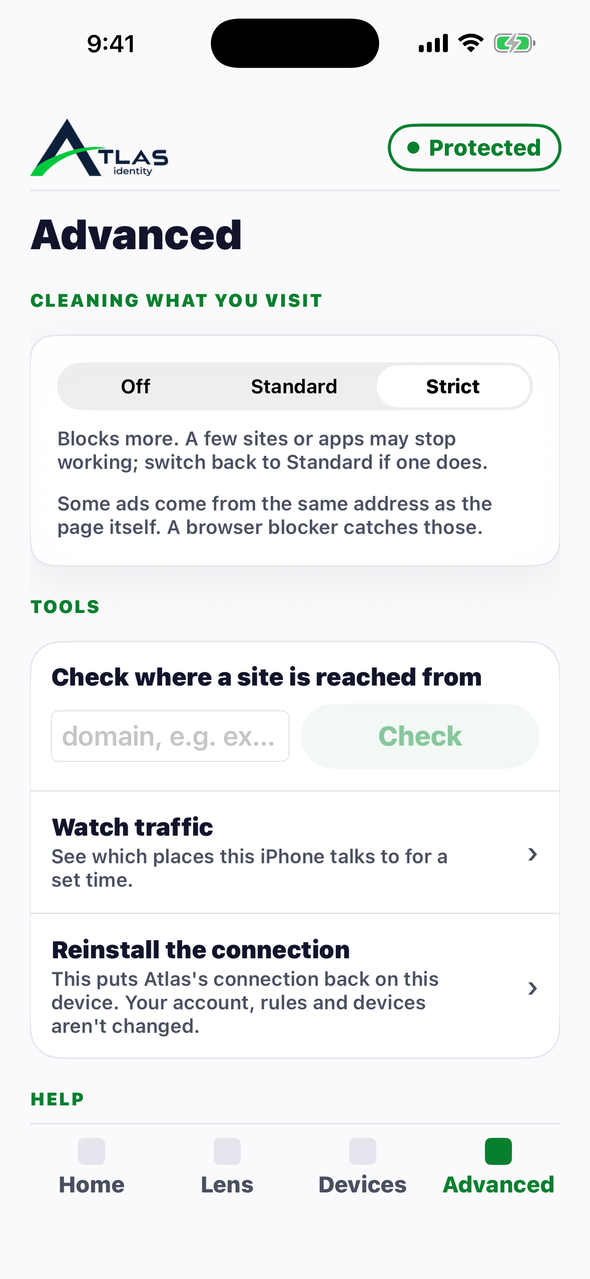
Advanced: tools and help.


What happens, step by step.
Six things, in order, every time you use Atlas.
- 1
You set up one account for all your devices.
Your identity, your personas and your rules come with you to every device you own.
- 2
You create your personas and set your rules.
Business, Personal or Other, each with its own settings and geographic endpoints. You decide where your internet connections go, and the rules you set are the ones that apply.
- 3
Each persona connects through the geographic endpoints you chose.
On a network Layer9i owns and answers for, so sites see a network that stands behind the people on it.
- 4
Every site gets its own separate ID.
Each site knows you, but they can't compare notes about you.
- 5
Atlas checks that sites really see the city you asked for.
"Intended vs. Observed" is a real screen in the app: what you asked for, and what sites actually see.
- 6
If Atlas can't keep its promise, it tells you.
It steps aside so ordinary internet comes back, visibly. You are never left guessing.
One person. One device. One coordinated system.
Identity.
Your personal internet identity is the foundation of Atlas and is yours to manage independently of the internet you are using.
Personas.
Create distinct personas for your internet activities, such as Business, Personal or Other. Each can have its own settings and geographic endpoints.
Geographic endpoints.
Map a persona to multiple geographic endpoints, and change them as needed without changing the settings or endpoints of any other persona.
Identity Routing Fabric.
The system that brings it all together. One account on all your devices, and you control where your internet connections go with the rules you set up.
Atlas gives individuals greater flexibility and control over how different parts of their digital lives connect to the internet.
Built, live, and checked in public.
4 platforms
iPhone and iPad, Mac, Android and Windows. One identity across all of them.
5 cities
Toronto, Montreal, New York, London and Amsterdam, with more on the way.
1 network of our own
Layer9i has its own registered internet addresses, secured end to end, so sites see a network that answers for itself.
7 of 7 security issues fixed
We tested every server and proved accounts can’t reach each other. Read the review.
One identity. Every device you own.
United States:
Individual plan, up to 2 devices: US$7.99 a month or US$69.99 a year.
Family plan, up to 5 devices: US$11.99 a month or US$129.99 a year.
Outside the United States: subscribe on the web in US dollars. Subscribing in the app on iPhone, iPad and Mac, priced in your currency, arrives with the next app update.
Launch offer on web subscriptions, for a limited time: pay for your first month and get your second month free with any monthly plan.